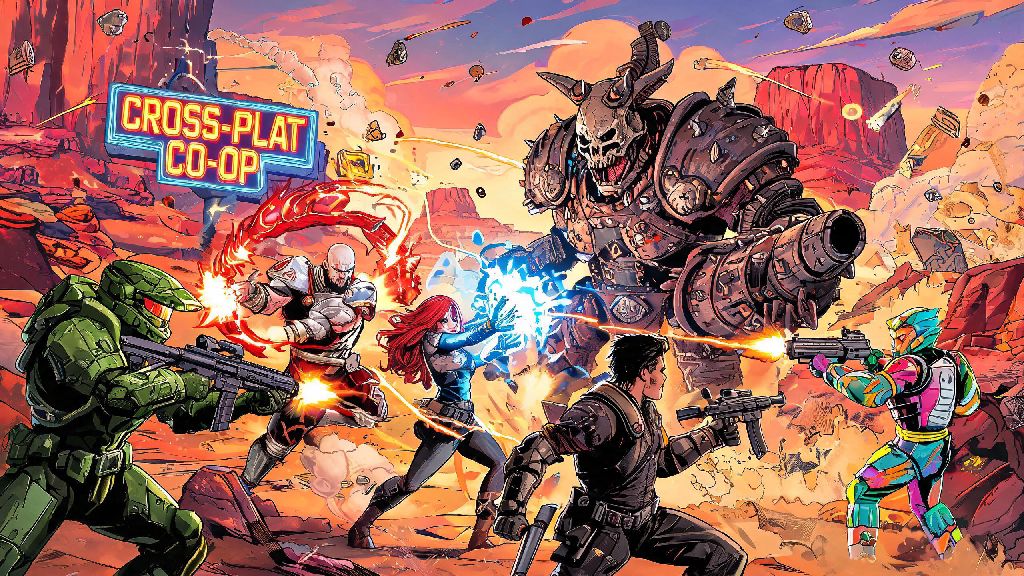
If you’ve spent hours blasting bandits, farming legendary guns, and laughing at Claptrap’s terrible jokes with friends across previous Borderlands entries, you’ve probably wondered is Borderlands 4 crossplay supported at launch. The looter shooter franchise has built its entire reputation on chaotic, over-the-top co-op action, so the ability to play with friends no matter what system they own is make-or-break for many long-time fans. We’ve pulled together all official announcements, developer comments, and industry trends to break down everything you need to know about cross-platform play for the next Borderlands installment.
Is Borderlands 4 Crossplay Supported Across All Platforms?
Gearbox has not released full official launch details for Borderlands 4 as of now, but every available sign points to full crossplay support being available from day one. Gearbox CEO Randy Pitchford has publicly stated that cross-platform play is a core priority for all future franchise releases, so it’s very unlikely Borderlands 4 will launch without the feature. The studio already rolled out full crossplay for Borderlands 3 in 2021, so they have years of experience building and refining the system for the franchise’s unique gameplay needs.
The only potential exception to universal crossplay would be region-locked markets or older generation consoles, like the PS4 and Xbox One, which may not get a release at all depending on when Borderlands 4 launches. If the game releases after 2025, most developers will have phased out support for last-gen hardware entirely to focus on more powerful current systems. If you plan to play on older hardware, you’ll want to wait for official platform support announcements before pre-ordering.
Crossplay Features We Expect to See in Borderlands 4
Crossplay support won’t just mean you can play with friends on other systems. Gearbox is likely to roll out a full suite of cross-platform features to make co-op play as seamless as possible, building on feedback from Borderlands 3 players who asked for more integrated cross-platform tools. Cross-save support will let you carry over your character, legendary gear, and campaign progress across every platform you own, so you don’t have to restart your Siren build if you switch from Xbox to PC halfway through the game.
But keep in mind that some features may be restricted at launch if there are platform-specific technical hurdles. For example, in-game microtransactions like paid cosmetic skins may not carry over across platforms due to separate store policies, even if your main progress does. You also may not be able to join lobbies for region-locked DLC if your friend is in a different country with a different release schedule for add-on content.
How to Set Up Crossplay in Borderlands 4 (Expected Steps)
Even if crossplay is enabled by default, you’ll likely need to take a few quick steps to link your accounts and start playing with friends on other systems. You’ll need to link your platform account to a free Gearbox SHiFT account, the same system used for Borderlands 3 crossplay and golden key codes. You can create a SHiFT account ahead of time on the official Gearbox website if you don’t already have one from previous Borderlands games.
Once your accounts are linked, you can toggle crossplay on or off in the game settings menu, depending on whether you want to only match with players on your same platform. Next, you’ll be able to search for friends by their SHiFT username instead of their platform-specific gamertag, so you can send invites no matter what system they’re playing on. If you run into connection issues, you may need to adjust your console or PC privacy settings to allow cross-platform play, as some systems disable this feature by default for younger accounts.
You’ll also have the option to disable crossplay entirely if you prefer to only play with people on your same system. Many console players choose to turn off crossplay to avoid matching with mouse and keyboard players on PC, who have a natural aim advantage in first-person shooters.
Potential Crossplay Limitations to Watch For
No crossplay rollout is perfect, and there are a few common issues that might pop up for Borderlands 4, even if Gearbox has had years to refine the system from Borderlands 3. First, input-based matchmaking may be optional, so if you’re a controller player on console, you could end up matched against mouse and keyboard players on PC if you don’t adjust your settings. Many competitive looter shooters let you filter lobbies by input type, so it’s likely Gearbox will add this option to keep matches fair for all players.
Another limitation is that cross-platform voice chat may be restricted at launch, so you may need to use a third-party voice app like Discord to talk to friends on other systems. Borderlands 3 had spotty cross-platform voice chat for the first few months after crossplay launched, so it’s reasonable to expect similar small issues at launch for the new game.
Mod support for the PC version may also make crossplay with console players disabled by default if you have mods installed, to prevent cheating or unintended bugs in console lobbies. If you love modding Borderlands to add new weapons or gameplay twists, you’ll probably have to stick to PC-only lobbies when you have mods active.
At the end of the day, all signs point to yes when you’re asking is Borderlands 4 crossplay supported, so you won’t have to worry about missing out on co-op sessions just because your friends own a different console. We’ll update this guide as soon as Gearbox releases official confirmation, along with step-by-step setup instructions and fixes for any common crossplay bugs that pop up at launch. If you’re planning to pre-order the game, you can rest easy knowing you’ll be able to blast through the Borderlands with all your friends, no matter what system they play on.