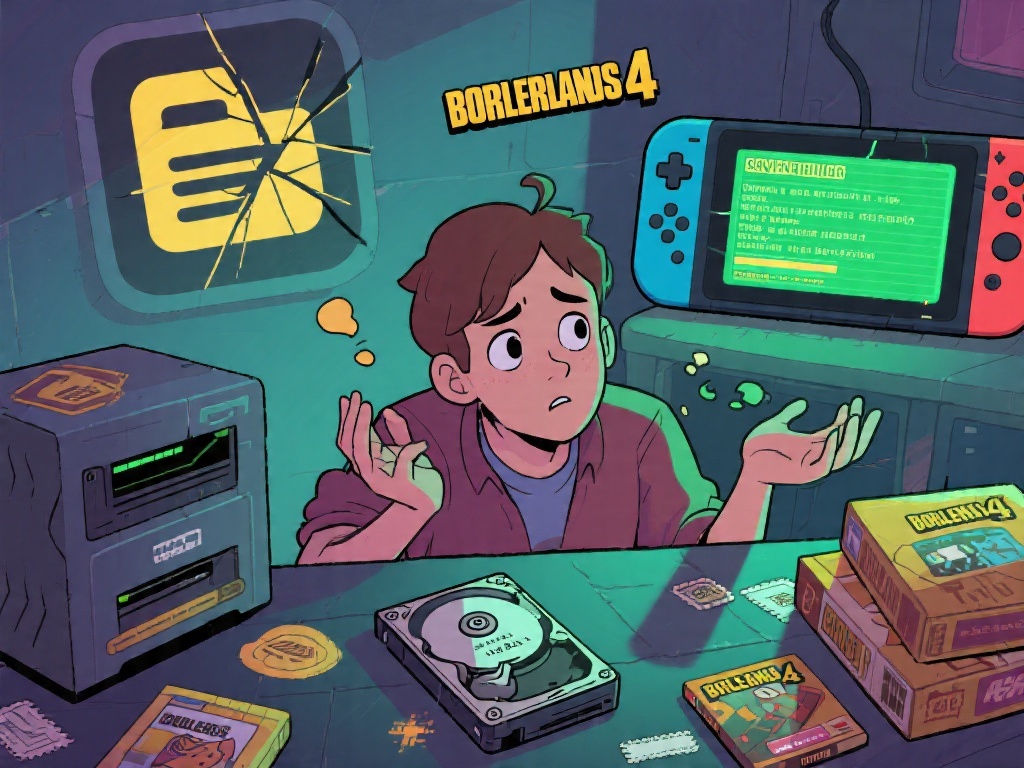
Understanding the Save Issue in Borderlands 4
If you're encountering the frustrating "why won't Borderlands 4 save" issue, you're not alone. This common problem can arise due to various reasons, ranging from software glitches to hardware issues. In this guide, we will explore the possible causes and provide effective solutions to help you get back to saving your game progress seamlessly.
Common Causes of Save Errors
1. Software Glitches: Sometimes, the game itself may encounter errors that prevent it from saving properly.
2. Corrupted Save Files: Save files can become corrupted, either due to technical issues or due to the game being forced to close unexpectedly.
3. Lack of Disk Space: Insufficient space on your storage device can also lead to save errors.
4. Outdated Game Files: Missing or outdated game patches can cause compatibility issues that affect saving.
5. Hardware Issues: Problems with your storage device or game console can also prevent successful saving.
Solutions to Fix Save Issues
1. Check for Disk Space: Ensure there is enough space on your storage device. Delete unnecessary files or transfer them to another location.
2. Update the Game: Install the latest patches and updates for Borderlands 4 to ensure you have the most recent files.
3. Verify Game Files: Use the game’s options to verify the integrity of the game files. This can fix corrupted files that may be causing the save issue.
4. Clear Save Data: Sometimes, clearing your save data and starting a new game can resolve the issue. This should be a last resort, as you will lose all your progress.
5. Check for Console or Hardware Issues: If you suspect a hardware issue, check your console or storage device for any problems. Consider seeking professional assistance if needed.
Preventing Future Save Issues
To avoid encountering save issues in the future, follow these tips:
- Regularly back up your game saves.
- Make sure your console or PC is running the latest operating system updates.
- Avoid using your console or PC for other tasks while playing games to ensure optimal performance.
Conclusion
Dealing with save issues in Borderlands 4 can be a real buzzkill, but with the right approach, you can overcome them. By understanding the common causes and following the solutions provided in this guide, you should be able to fix your save problems and continue your gaming adventure without interruption. Happy gaming!
---
Please note that the content provided above is a template and may require further research and refinement to ensure it is as accurate and helpful as possible.