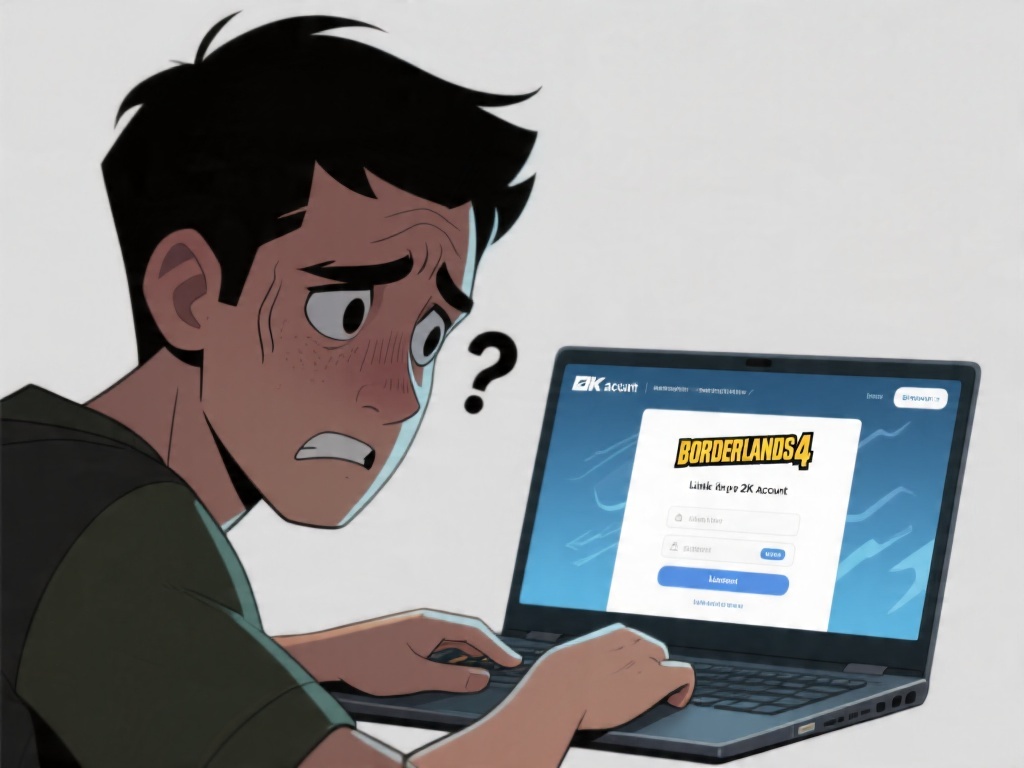
How to Link Your 2K Account to Borderlands 4 Cant Link Issue Fixed
Are you facing the frustrating "Borderlands 4 Cant Link 2K Account" issue? Don't worry, you're not alone. Many players have encountered this problem, but fear not, as we have a comprehensive guide to help you link your accounts and enjoy seamless gameplay.
Step 1: Check Your Account Details
Before attempting to link your accounts, ensure that your 2K account and Borderlands 4 account are both active and have no pending issues. Go to the 2K account website and verify that your account is in good standing.
Step 2: Verify Your Borderlands 4 Account
Make sure your Borderlands 4 account is properly set up. Check if you have any pending updates or patches that need to be installed. Visit the game's official website or check the Steam store page for any recent updates.
Step 3: Linking Your Accounts
1. Log in to Your 2K Account: Go to the 2K account website and log in with your credentials.
2. Navigate to Linked Accounts: Once logged in, find the "Linked Accounts" section and click on "Link a new account."
3. Select Borderlands 4: Choose "Borderlands 4" from the list of supported games.
4. Enter Your Game Credentials: Enter your Borderlands 4 username and password to verify your identity.
5. Confirm Linking: Follow the on-screen instructions to complete the linking process.
Step 4: Troubleshooting
If you encounter the "Borderlands 4 Cant Link 2K Account" issue, here are some common troubleshooting steps:
1. Clear Cache and Cookies: Sometimes, clearing your browser's cache and cookies can resolve linking issues.
2. Check for Server Downtime: Ensure that the 2K servers are online and operational.
3. Update Your System: Make sure your operating system and game client are up to date with the latest patches and updates.
4. Contact Customer Support: If none of the above steps work, reach out to 2K Support for further assistance.
Step 5: Enjoy Seamless Gameplay
Once your accounts are successfully linked, you should be able to access all your progress and in-game purchases across both platforms. Enjoy your gaming experience without any interruptions!
---
In conclusion, linking your 2K account to Borderlands 4 is a straightforward process that can be achieved by following the steps outlined above. If you encounter any issues, remember to troubleshoot with the common steps provided. Happy gaming!