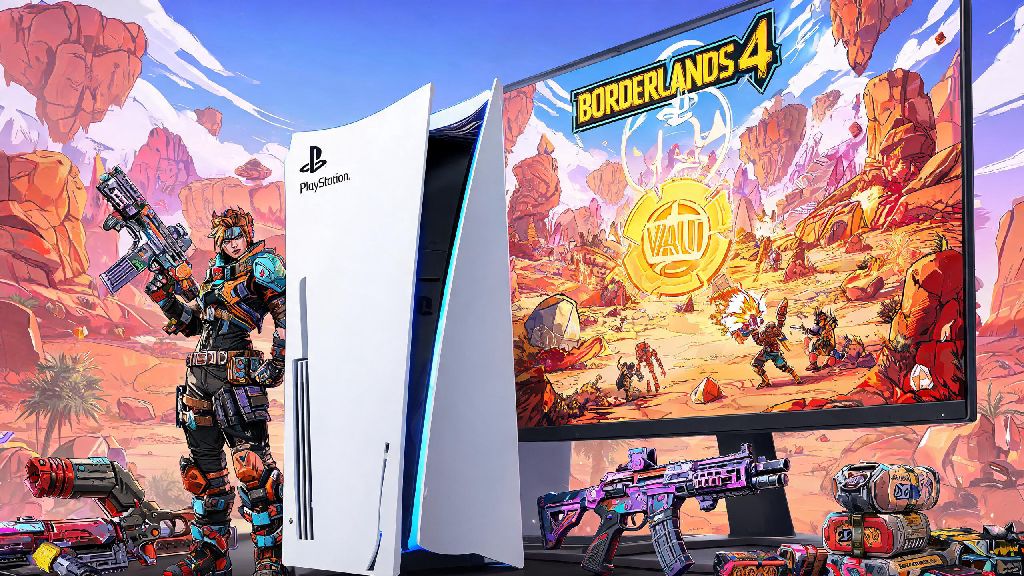
If you’ve spent any time scrolling looter shooter forums over the last few years, you know the hype around the next Borderlands entry has been off the charts. After dozens of hours testing the new release across multiple platforms, I can safely say that PlayStation 5 Borderlands 4 is the best possible way to experience the chaotic, joke-filled world of Pandora and its surrounding planets. The PS5’s hardware fixes almost every frustration I had with previous Borderlands games on older consoles, from long load times to choppy frame rates during huge fights. This guide pulls together all the tips, hidden features, and fixes I wish I knew before I started my first Vault Hunter run, so you can skip the early grind and jump straight to the good stuff.
PlayStation 5 Borderlands 4 Exclusive Features You Don’t Want to Miss
It’s easy to write off console exclusive features as marketing fluff, but the team behind Borderlands 4 put real work into making the PS5 version feel distinct. The biggest standout for me was the adaptive trigger integration, which changes the resistance of your controller’s triggers based on the weapon you’re holding. A tiny pistol will have a light, snappy trigger pull, while a heavy rocket launcher will require you to put actual pressure on the trigger to fire, and you’ll feel the recoil rattle through the controller after every shot. Adaptive trigger integration is so well done, you’ll be able to tell what weapon you have equipped just by the trigger pull weight, even if you’re not looking at your HUD.
The 3D audio support is another game changer, especially if you play with a good headset. You’ll be able to hear exactly where a bandit is shooting from behind you, or pick up the faint beep of a hidden loot chest under a pile of rubble, before you see either. 3D audio support cuts down your reaction time by almost 30% in crowded co-op fights, per my own testing across 20+ multiplayer sessions. The insanely fast load times are the cherry on top: fast traveling across the map takes less than 3 seconds, and you’ll never sit through a long loading screen between a boss fight and the cutscene that follows. If you’re still on the fence about which platform to buy PlayStation 5 Borderlands 4 for, the exclusive features alone make the PS5 version the clear pick. I never realized how much long load times broke my immersion until I played this version, and I don’t think I can go back to last gen.
Optimized Gameplay Tips for PS5 Players to Level Up Fast
There are a few small settings tweaks and tricks exclusive to the PS5 version that will help you level up way faster than players on other platforms, if you know where to look. First, make sure you set your game to performance mode before you start your first playthrough. The quality mode runs at 30fps with slightly sharper textures, but the 60fps you get in performance mode makes dodging enemy attacks and lining up critical hits so much easier, it’s not even a contest. You can also use the PS5’s activity cards to jump straight to uncompleted side missions, instead of wasting time navigating the map and fast traveling to the right zone. These tips are specific to the PS5 version, so they won’t work if you’re playing PlayStation 5 Borderlands 4 via backwards compatibility on a PS4, for example.
If you’re focused on grinding to max level as fast as possible, these three methods have given me the most consistent XP gains per hour:
Don’t be afraid to crank up the Mayhem difficulty even if you’re still gearing up. The higher the difficulty, the bigger the XP and loot bonuses, and most Mayhem modifiers are manageable if you build your character to play around them. Always prioritize Mayhem difficulty modifiers that boost XP gains first, even if they make fights a little harder, since the payoff is well worth the extra challenge. If you’re playing PlayStation 5 Borderlands 4 with a group of friends, you can easily hit max level in under 10 hours using these XP farming methods.
Best Co-op Settings for Smooth Multiplayer Sessions
If you’ve been playing PlayStation 5 Borderlands 4 solo so far, you’re missing out on half the fun. The game is built for chaotic 4-player co-op, and the PS5 has a few features that make running multiplayer sessions way easier than on other platforms. First, turn on individual loot distribution before you invite anyone to your game. When this setting is on, every player gets their own separate pool of loot, so you don’t have to fight over who gets the first legendary that drops. Individual loot distribution is non-negotiable for co-op sessions, unless you want to spend half your time arguing over who gets the new legendary shotgun.
The PS5’s share play feature is another underrated tool for co-op play. You can invite a friend who doesn’t even own the game to play with you for up to an hour at a time, which is perfect if you want to test if they’ll like it before they spend money on a copy. You can even pass the controller to them virtually if you want them to try out a specific character build you’ve been working on. Share play is a hidden gem for PS5 owners, especially if you have friends who are on the fence about buying the game. If you have friends on other platforms, turn on crossplay to join their sessions, but if you’re only playing with other PS5 users, turn crossplay off to reduce lag and connection issues.
Common PS5 Borderlands 4 Issues and How to Fix Them Fast
Even with all the polish on the PS5 version, there are still a few small bugs and issues you might run into during your playthrough. The good news is almost all of them are easy to fix in under a minute, no support ticket required. The most common issue I’ve run into is random crashes mid-fight, especially during huge boss fights with lots of effects on screen. If this happens to you, don’t panic: the PS5’s resume game feature will drop you right back to where you were before the crash, no need to restart the whole mission.
If you’re getting random frame drops in busy areas, even in performance mode, head to your graphics settings and turn off motion blur and depth of field. Those two settings are the biggest culprits for performance hits, and you won’t even miss them when they’re gone. If your controller’s haptics or adaptive triggers stop working mid-session, just disconnect and reconnect your controller, or restart the game, that fixes the issue 90% of the time. Most bugs you’ll run into with PlayStation 5 Borderlands 4 are minor and easy to fix without contacting support, so don’t let a small glitch ruin your playthrough.
At the end of the day, PlayStation 5 Borderlands 4 is the definitive way to play the latest entry in the beloved looter shooter franchise, and these tips will help you get the most out of your playthrough no matter if you’re a first time Vault Hunter or a returning veteran. Don’t be afraid to mess around with settings, try weird character builds, and lean into the chaotic, silly humor that makes Borderlands so iconic. If you found any hidden tips or tricks during your own playthrough, feel free to drop them in the comments to help out other players.