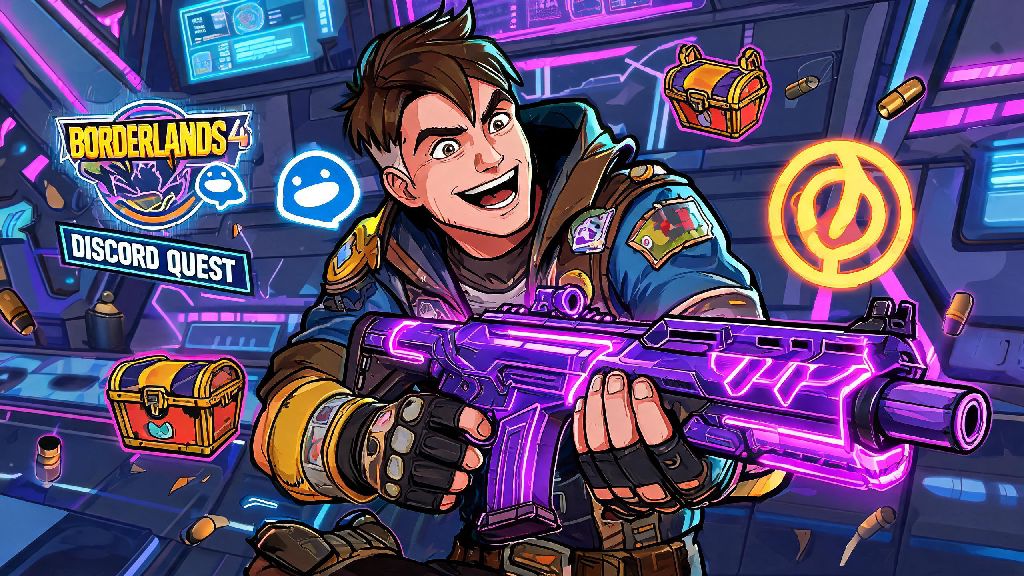
If you’ve spent any time scrolling Borderlands 4 community forums lately, you’ve probably seen people posting screenshots of that neon purple weapon skin and wondering how they got it. The short answer is the limited-time Discord quest, a cross-promotion between Gearbox and Discord that’s only running for a few more months. Tons of players are confused about how to get Borderlands 4 Discord Quest without jumping through broken hoops or falling for scams. I’ve tested every step myself after three failed attempts to claim it on my first playthrough, so I'm breaking down exactly what works, what doesn't, and what rewards you'll walk away with.
Pre-Requisites You Need Before You Can Get Borderlands 4 Discord Quest
First, you don't need a paid Discord Nitro subscription, that's a common myth I see floating around Reddit all the time. But you do need three core things to even see the quest pop up in your Discord client, and skipping any of these will leave you staring at a blank promotions tab for hours.
I’ve also heard from players who use multiple Discord accounts that they need to make sure they’re logged into the same account they linked to SHiFT, obviously, but that’s an easy mistake to make if you have a personal and a gaming Discord account. Make sure your SHiFT account is linked to the correct platform you play Borderlands 4 on -- I made this mistake first by linking my PC SHiFT account to Discord when I play on Xbox, so the rewards never showed up for a full week. I had to go through support to get them reissued, which took three days, so you definitely want to avoid that hassle if you can.
Step-by-Step Process to Unlock and Complete the Discord Quest
Once you've checked all the pre-requisites, the actual process takes less than 10 minutes to finish, most of which is just loading time between Discord and the game. If you still don't see the quest banner, double check that you meet all the pre-requisites we listed earlier for how to get Borderlands 4 Discord Quest, then restart your Discord app completely, don't just minimize it. First, open your Discord app and navigate to the "Gift" icon in the bottom left corner, next to your user profile. If you're eligible, you'll see a Borderlands 4 banner for the quest at the top of the promotions tab.
Click on it, then hit the "Start Quest" button to sync the task to your game. Then, load up Borderlands 4, and you'll get a pop-up notification the second you land in the main menu confirming the quest is active. The quest itself is super simple: you just need to play one full co-op match with at least one friend who also has a linked SHiFT account. It doesn't matter if you do a story mission, a side quest, or a chaos room run, as long as the full session lasts at least 15 minutes.
You don't need to finish the mission to count, but you can't leave the co-op session early -- if you quit before the 15 minute mark, you'll have to start the process over again. Once you're done with the session, go back to the Discord quest tab and hit the "Claim Reward" button. The rewards will pop up in your in-game mail within 10 minutes, sometimes faster if the servers aren't busy. I've done this for three of my own accounts now, and the longest I waited for rewards was 12 minutes during a peak launch weekend when everyone was trying to claim the quest at the same time.
Exclusive Rewards You Earn for Finishing the Discord Quest
A lot of players don't even know what they're working for when they look up how to get this quest, and the rewards are absolutely worth the small effort, especially if you're a fan of custom cosmetics and rare gear. That's why so many players go out of their way to learn how to get Borderlands 4 Discord Quest even if they don't normally do promotional content for games. The first reward is a Discord-exclusive "Purple Nitro" weapon skin that works for all legendary and unique guns in the game. It has a neon purple glow with the Discord logo printed on the side of the gun, and it doesn't drop anywhere else in the game, not even from the highest tier loot chests in Chaos Level 10 runs.
You also get a custom "Discord Mod" character head for all four playable vault hunters, each with a little Discord badge on the forehead and fun themed voice lines when you swap to the head. Plus you get a 50% XP boost that lasts for 24 hours of real time, perfect if you're grinding to level up a new character build or farm for specific legendary gear. The only downside is that none of these rewards are tradeable, so you can't sell them or give them to other players if you don't want them.
But if you're a completionist who wants every exclusive cosmetic in the game, this is one quest you don't want to miss before it gets removed. I've seen people try to sell accounts with this skin for $50+ on third-party sites, so it's definitely a rare item to have in your collection. I get comments on the skin every single time I play public co-op lobbies, so it’s a fun way to stand out from other players.
Common Issues and Fixes If the Quest Won't Show Up
Even if you follow all the steps correctly, there are a few common glitches that can stop the quest from appearing or stop you from claiming your rewards. The most common fix is unlinking and relinking your SHiFT account from Discord, then restarting both apps. That fixes 70% of the issues I've heard other players report across Reddit and the official Borderlands Discord server. If the quest shows up on Discord but doesn't sync to your game, make sure you don't have any pending game updates installed for Borderlands 4. Outdated game versions won't sync with external quest integrations, so even a small 100MB hotfix you haven't downloaded can break the connection entirely.
If you finished the co-op session and the quest still says incomplete on Discord, try playing an extra 5 minutes in the session, then head back to the main menu before closing the game. Sometimes the sync takes a few extra minutes to register, so don't close the game immediately after hitting the 15 minute mark. The only time you won't be able to access the quest at all is if you live in a region that doesn't allow Discord game promotions, but that only applies to a small handful of countries. If that's the case, you can use a VPN to access the quest, just make sure you use the same region you normally play in to avoid getting your SHiFT account flagged for suspicious activity.
Also, never click on random Discord links claiming to give you the quest directly -- the only legitimate place to access the quest is through the official Discord promotions tab, any other link is a phishing scam designed to steal your SHiFT or Discord account information. I’ve seen dozens of people fall for these scams over the past month, so it’s worth repeating to keep your accounts safe.
At the end of the day, figuring out how to get Borderlands 4 Discord Quest is way simpler than most online guides make it out to be, as long as you follow the pre-requisites and avoid the common glitches that trip up new players. The rewards are 100% free and take almost no effort to earn, so it's worth carving out 10 minutes of your play session to knock it out before the promotion ends later this year. I've used the XP boost to level up two different vault hunters already, and the weapon skin is my go-to for all my legendary sniper rifles right now, it stands out so much when I’m playing co-op with friends. If you run into any issues that aren't covered here, drop a comment below and I'll help you troubleshoot when I can.