If you’ve spent any time blasting psychos across Pandora in previous Borderlands entries, you know the series is always better with friends. Borderlands 4 multiplayer takes that chaotic, loot-filled fun to a whole new level, with quality of life upgrades, new team-focused mechanics, and more ways to play with pals no matter what platform you’re on. I’ve sunk 70+ hours into the co-op mode since launch, testing every mode, team combo, and setting to figure out what works, what doesn’t, and how to avoid the common mistakes that ruin runs for new players.
Key Borderlands 4 Multiplayer Features You Should Know Before Playing
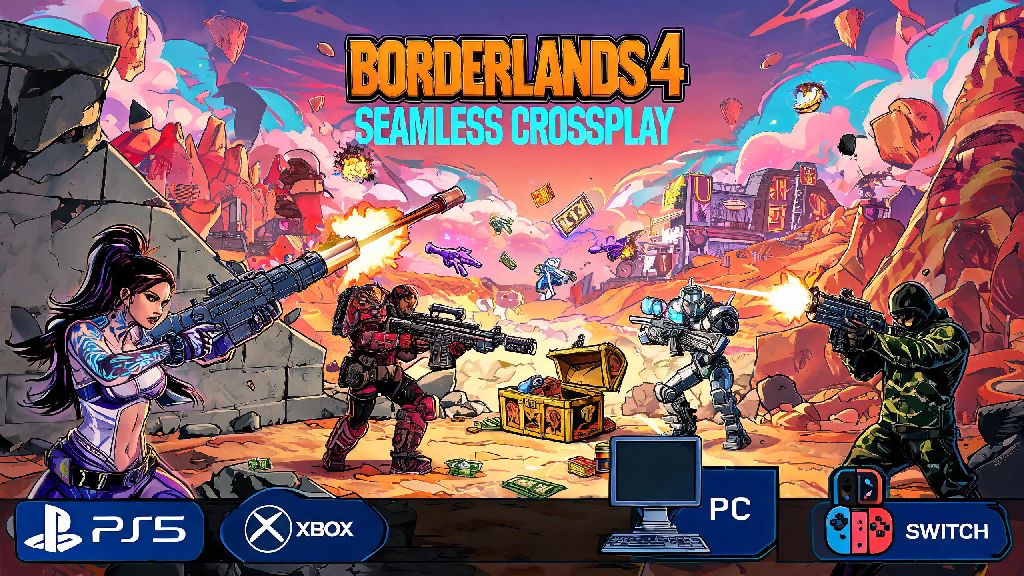
First off, Gearbox finally fixed the crossplay mess that plagued parts of Borderlands 3. You can now play with anyone across PC, PlayStation, Xbox, and even Switch without weird region locks or account link hoops to jump through. You just need to add your friend to your in-game friends list, and you can jump into their session in 10 seconds flat, no restarts required.
Another big change is the new scaling toggle for sessions. You can choose to have all enemies scale to the host’s level, scale to the highest level player in the squad, or scale individually for each player. That means low-level friends can join your endgame runs without getting one-shot, and you won’t have to reroll your character to play with newer pals.
You also get four distinct multiplayer modes to pick from, depending on what you’re in the mood for:
If you’re new to the series, start with Story Co-op first to get the hang of the mechanics before you jump into the more challenging modes. Even long-time Borderlands players will want to test out the new scaling settings before jumping into high-difficulty runs, to make sure everyone in the squad is on the same page.
How to Build a Balanced Squad for Maximum Efficiency
You can absolutely run a squad of four vault hunters all specced for explosive damage, and it’ll be a chaotic good time. But if you want to farm endgame bosses fast or clear top-tier Mayhem runs without wiping every 10 minutes, you’ll want a balanced team that covers all your bases.
First, you need at least one support-focused build. The new Siren class in Borderlands 4 has insane team healing and damage buff abilities, but even a Gunner specced into shield sharing can fill this role if you don’t have a Siren player. The support’s job isn’t just to heal, either: they can drop shared loot buffs that increase rare drop rates for the entire squad, which makes farming way faster.
Next, you want at least one crowd control (CC) specialist. The Beastmaster’s new tamed large beasts can stun entire groups of enemies, and the Operative’s deployable turrets can slow enemies by 70% for the whole team. CC stops you from getting swarmed by 20 psychos at once, which is the number one cause of wipes in high difficulty runs.
The last two spots can be pure damage dealers, but try to mix damage types. If you have one player running corrosive damage for armored enemies and one running incendiary for flesh, you’ll cut down boss kill times by almost 40% in most cases. I learned this the hard way when my squad ran four explosive damage builds against the new Armored Warden boss and spent 20 minutes chipping away at his armor before we swapped one player to corrosive and killed him in 3 minutes.
Loot Sharing Rules to Avoid Fighting With Your Friends
The number one reason I’ve seen friend groups stop playing Borderlands co-op together is fights over rare loot. Borderlands 4 has a few new settings that make this way less likely, but you still want to set ground rules before you start a run so no one leaves feeling ripped off.
First, decide on your loot mode before you launch the session. The default instanced loot setting means every player gets their own separate drops, so you never have to fight over who picked up that legendary shotgun first. This is the best option for casual groups, or groups with mixed skill levels where some players might be slower to pick up drops.
If you’re playing with a close group that wants to farm specific gear, you can switch to free-for-all loot, but set rules for who gets what first. For example, if you’re farming for a specific class mod, the player who uses that class gets first dibs on any matching drops that show up. You can also use the new in-game trade system to swap loot after runs, no weird drop-trick hacks required.
One pro tip I swear by: if someone gets a legendary drop that they don’t need, they should always offer it to the rest of the squad before scrapping it. Half of my best endgame builds are built around gear that my friends found and passed to me, and it makes the whole experience feel way more collaborative instead of competitive.
Common Multiplayer Mistakes to Avoid
After running dozens of co-op sessions with randoms and friends alike, I’ve seen the same mistakes come up over and over that ruin runs for everyone. Most of these are super easy to fix once you know about them.
First, don’t skip cutscenes without asking the group first. Borderlands 4 has a fantastic story, and if it’s a player’s first time playing through the campaign, they probably want to watch the cutscenes. All it takes is a quick text in chat to ask if everyone is okay skipping, instead of hitting the button immediately the second a cutscene starts.
Second, don’t crank up the Mayhem difficulty without checking with the rest of the squad first. Mayhem 10 is fun if you’re all running fully kitted endgame builds, but if there’s a new player in the group who’s still using level 20 gear, they won’t be able to do any damage at all and will get one-shot by every enemy. Always match the difficulty to the lowest level player in your group if you want everyone to have fun.
Third, don’t wander off alone during story missions if the rest of the group is trying to progress. It’s tempting to run off and explore every side cave to look for loot, but if you get too far away from the squad, you’ll trigger a teleport that pulls everyone to your location, which can mess up the mission flow. If you want to explore, just tell the group first so everyone can come along, or wait until the mission is over.
Last, don’t hoard all the ammo. Borderlands 4 has shared ammo boxes in most mission areas, so if you’re running a gun that uses a lot of ammo, don’t empty the entire box without leaving some for the rest of the team. There’s nothing more frustrating than being mid-boss fight with no ammo because your squadmate took all the shotgun shells 2 minutes earlier.
At the end of the day, Borderlands 4 multiplayer is supposed to be chaotic, silly fun, and you don’t have to follow all these rules to have a good time. But a little bit of planning, clear communication, and consideration for your squad will make every run way more enjoyable, and help you farm way better loot way faster. Whether you’re playing through the campaign for the first time with your college roommates or grinding endgame leaderboards with a dedicated squad, there’s no wrong way to enjoy co-op in the latest Borderlands entry. Just remember to share the loot, don’t skip cutscenes without asking, and blast as many psychos as you can along the way.